OBDSTAR DC706 updated Hyundai Kia SIM2K-250 SIM2K-251 ECUs in 2023. They fixed the bug in the new software version in Jan, 2024. Now it will read and write SIM2K 251/250 without problem.
Tools need:
OBDSTAR DC706
OBDSTAR P004 adapter
Requires ECM software version V30.41 or above (make sure is up-to-date)
Procedure:
Go to ECM->V30.41->Hyundai->Hyundai Simens/Continental SIM2K-251 TC1724+ TC1782
Read instructions and connections before operation
There are two MCUs in SIM2K250 and SIM2K260, one of the MCU types is TC1782 (stores ECM data), the other MCU type is TC1724 (stores TCM data).
If need to clone it, both ECM and TCM data need to be cloned.
Check wiring diagram
First comes the TCM
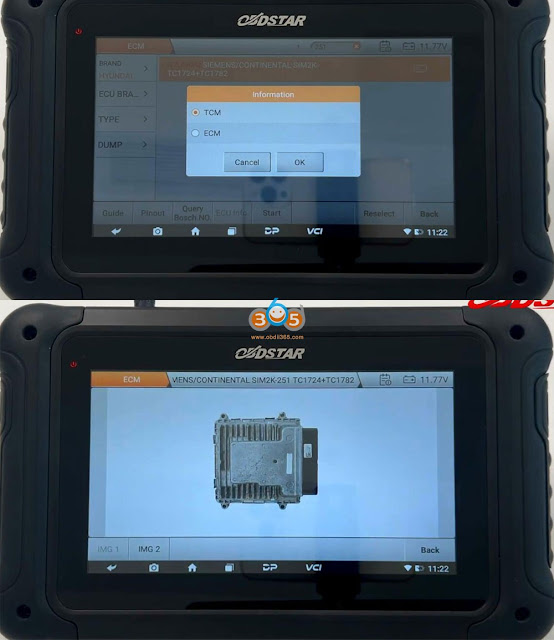

Then check ECM pinout.
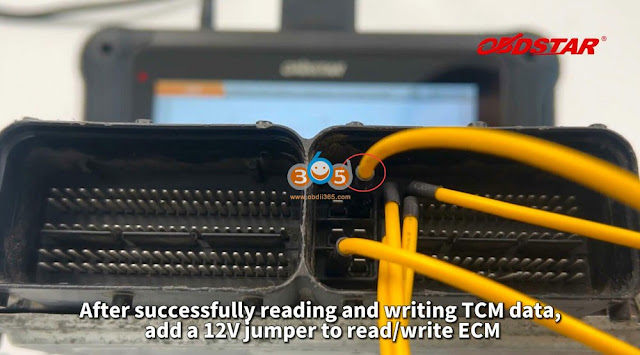
Compared with TCM, ECM requries one more 12V jumper.
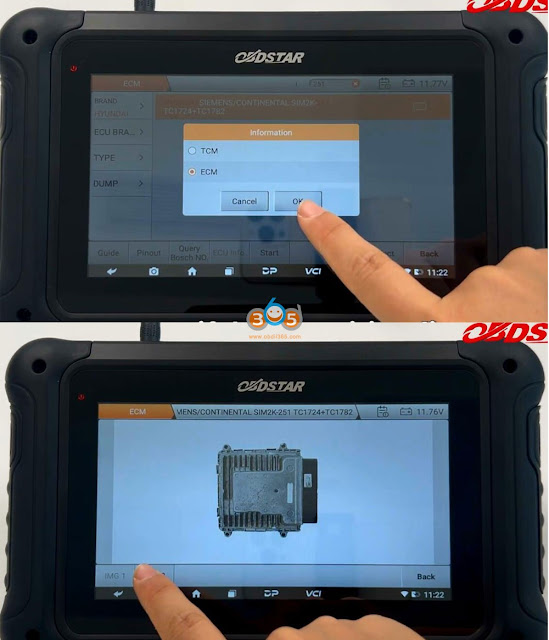
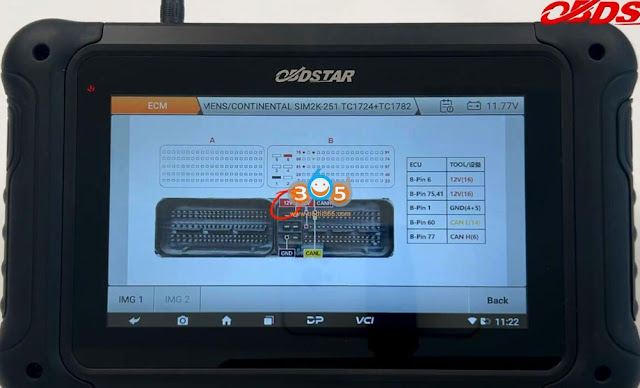
We are going to read TCM first
Connect TCM with DC706 via P004 follow the wiring diagram
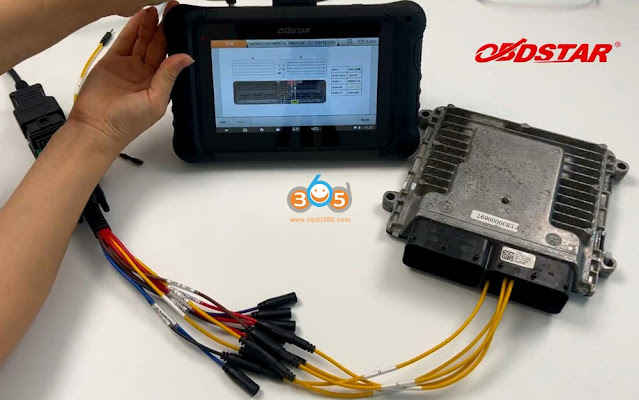
Select protocol, press Start
Switch ignition off
Switch ignition on
Then press Connect
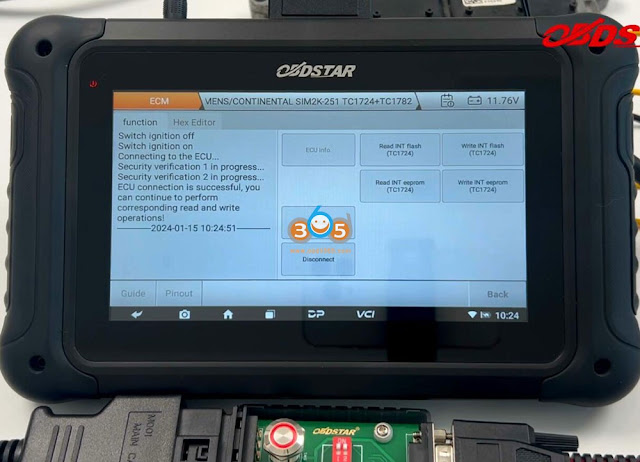
Read and save INT flash TC1724 of TCM
Read and save INT eeprom TC1724 of TCM
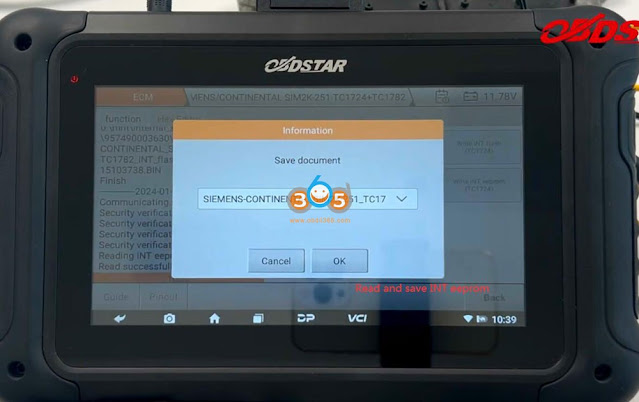
Write INT flash TC1724
Then write INT eeprom TC1724
Load external data, select INT eeprom TC1724 and write
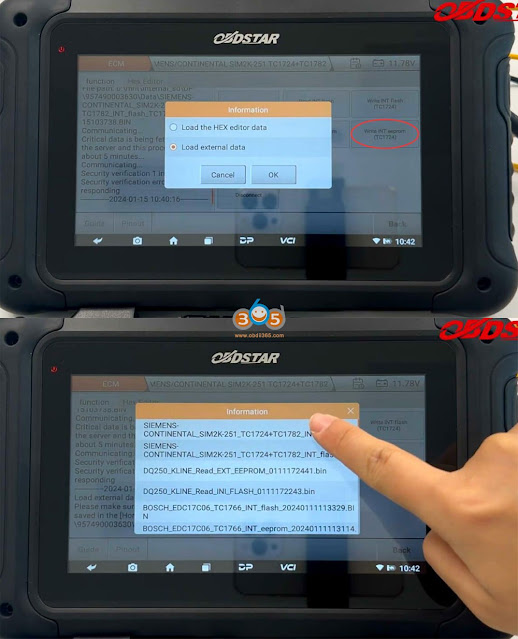

Write INT eeprom successfully
Disconnect.
Then connect ECM with OBDSTAR DC706 via P004 follow the wiring diagram
Add a 12V jumper

Select protocol->ECM
Switch ignition off
Switch ignition on
Connect
Read and save ECM INT Flash TC1782
Read and save ECM INT eeprom TC1782

Write INT flash TC1782
Load external data, upload INT flash TC1782 and write
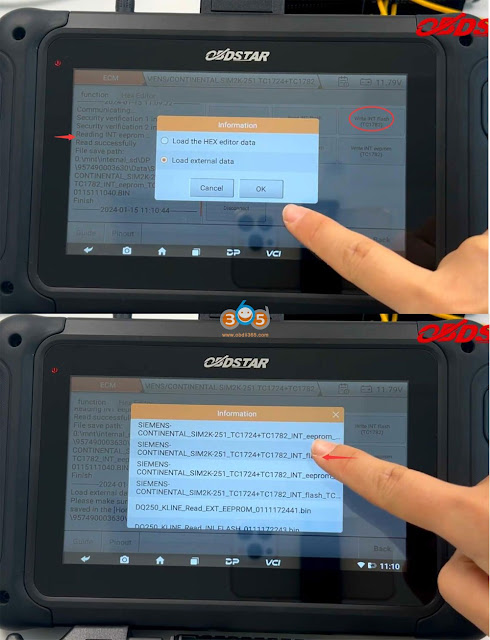

Write INT flash TC1782 successfully.
Write INT eeprom TC1782


Write ECM INT eeprom TC1782 successfully.
Done.