Here is the step-by-step guide on programming key for Mazda CX-5 by using
OBDSTAR F100 Ford/Mazda key programmer.
Top 5 reasons to get OBDSTAR F-100:
1.Support both Ford/Mazda key programming (all key lost) and display data stream
2.No pin code required.
3.Support the new Mazda CX-3,CX-5,Mazda 2/3/6
4.Support part of Ford/Mazda/Jaguar/Land rover odometer correction
5.Original OBDSTAR product,update online
Very easy to operate; just follow the screen instruction.
Models:
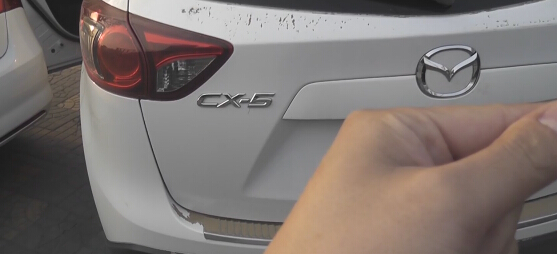
Mazda cx5
 Tools to use:
OBDSTAR F-100
Tools to use:
OBDSTAR F-100 key programmer
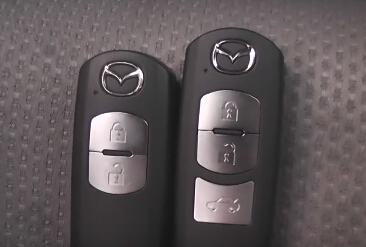
2 spare keys to be programmed
Mazda key programming procedure:
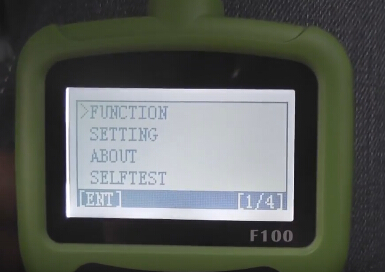
Select FUNCTION
Then IMMOBILIZER
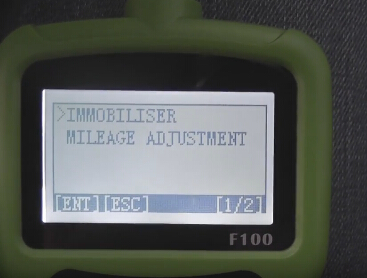
Select Mazda CX-5
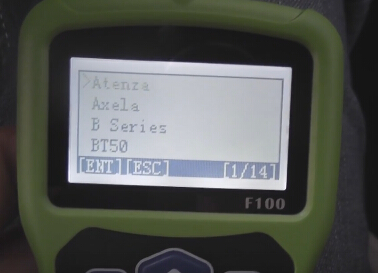
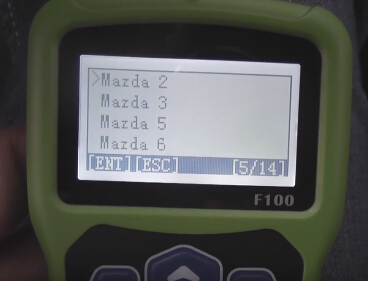
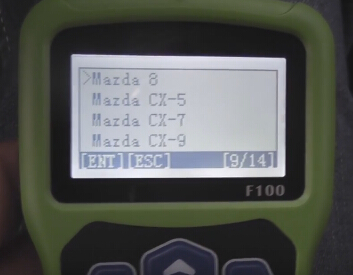
With Smart
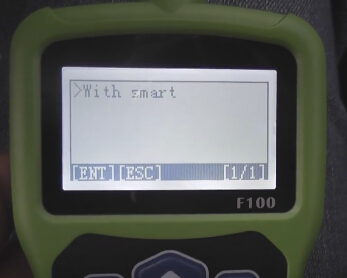
Communication...
Switch ignition on
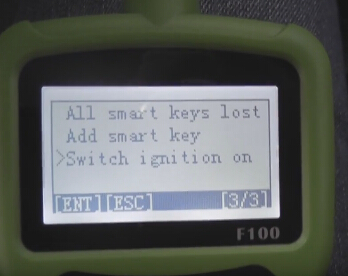
Put all the smart keys out of the car 1 meter away
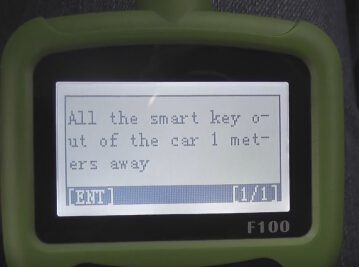
Communication...
Press and hold the vehicle start button for 10 seconds, Start the button indicator li...
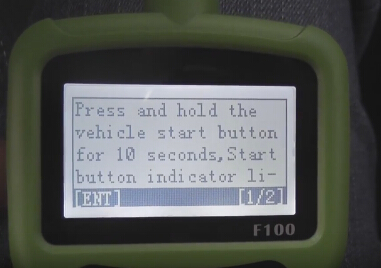
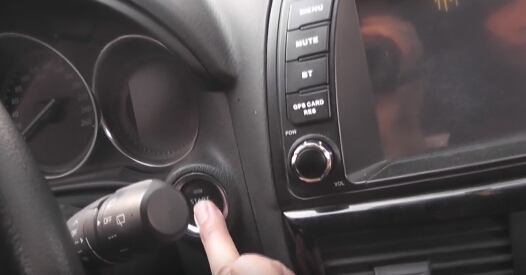
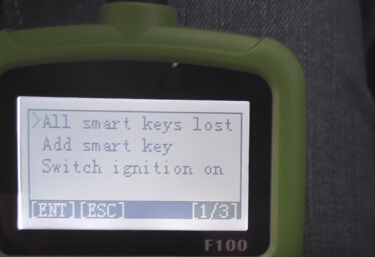
Select Add smart key lost
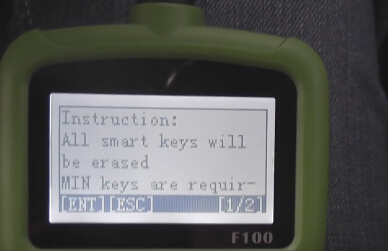
Instruction:
All smart keys should be erased; MIN keys are required; Press ENTER to continue, press ESC to return
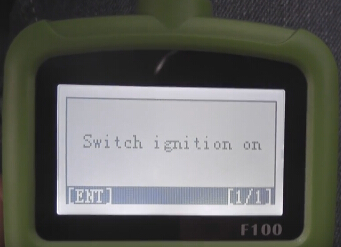
Switch ignition on
Communication...
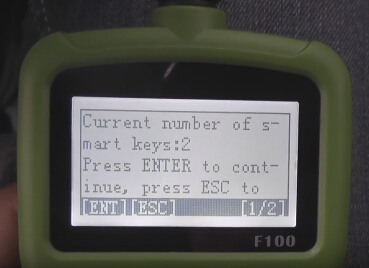
Current number of key smart: 2; Press ENTER to continue, press ESC to return
Configuring the system,please wait...
Reading vehicle information...
Configuring the system,please wait...
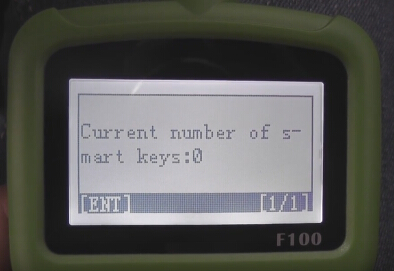
Current number of keys: 0
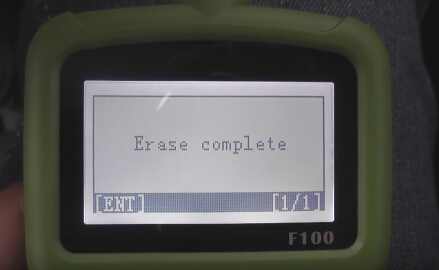
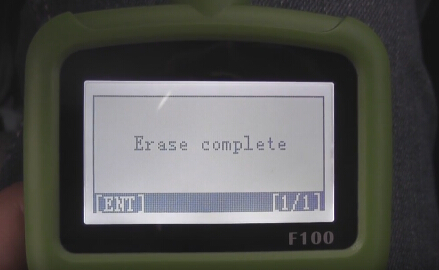
Erase complete
Configuring the system,please wait...
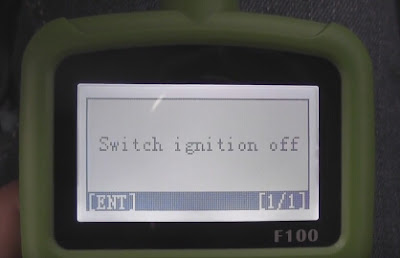
Switch ignition off
Configuring the system,please wait...
Switch ignition on
Use a new smart key to contact start button for a while until configuration complete, press ENTER to continue
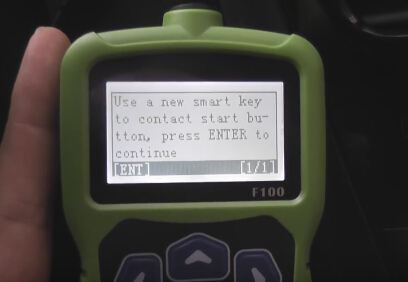
Configuring the system,please wait...
Current number of keys: 1
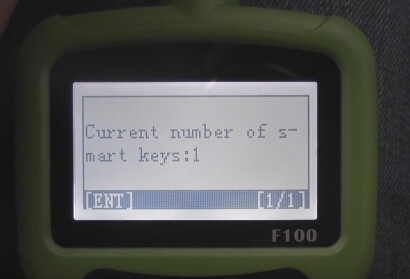
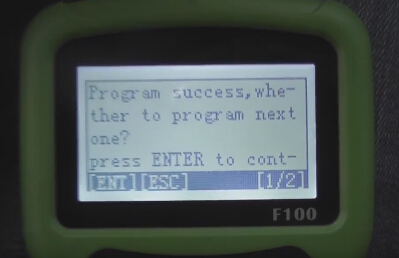
Program success!
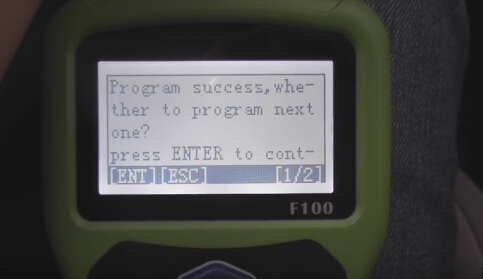
Same way to program another:
Switch ignition off
Configuring the system,please wait...
Switch ignition on
Use a new smart key to contact start button for a while until configuration complete, press ENTER to continue
Current number of keys: 2
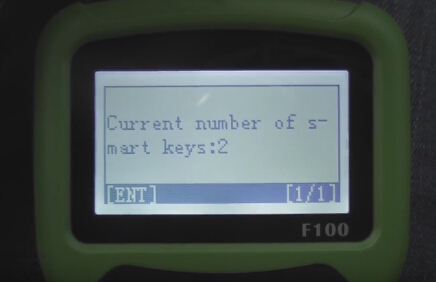
Program success! Press ESC to return
You have completed the following procedures, engine can be started:
1- switch ignition off
2- put on the brakes, the key 1 press start button to start the engine for 3 seconds, then turn off the ignition switch
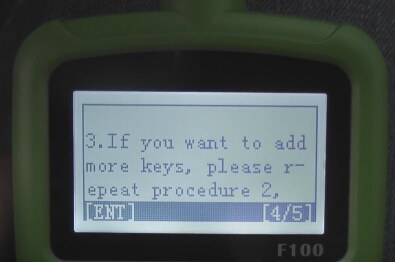
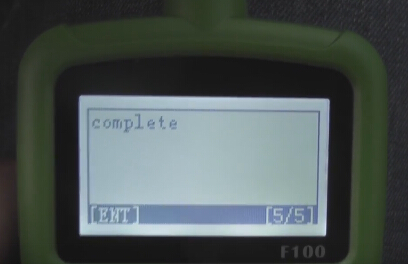
3- if you want to add more keys, please repeat procedure 2, complete
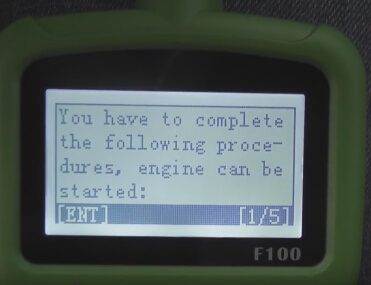
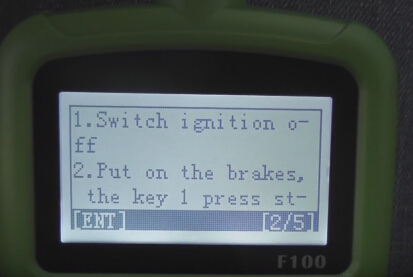
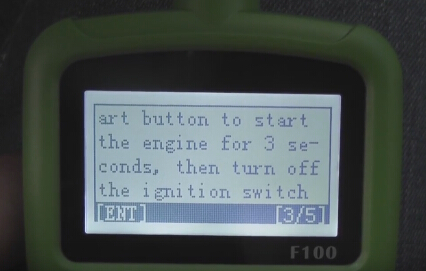
Finally, test the new keys to check they can work
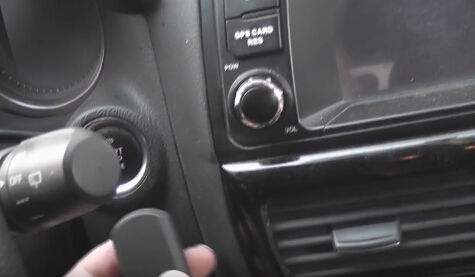
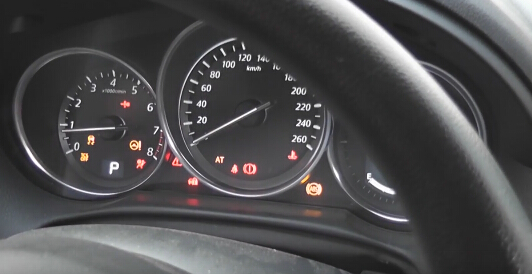
Thus,
Mazda cx5 smart key programming success.
More info:
FORD & MAZDA models list F100 key programmer supported:
Mazda CX-3 ( 2015+ )( smart PCF7953 ID46 )
Mazda CX-5 ( 2012+ )( smart PCF7953 ID46 )
Mazda 2 ( 2014+ )( smart PCF7953 ID46 )
Mazda 3 ( 2013+ )( smart PCF7953 ID46 )
Mazda 6 ( 2013+ )( smart PCF7953 ID46 )
Mazda 2 ( 2002 – 2013)( 4D ID63 )
Mazda 3 ( 2002 – 2012 )( 4D ID63 )
Mazda 5 ( 2002 – 2012 )( 4D ID63 )
Mazda 6 ( 2014 – 2012 )( 4D ID63 )
Focus3/CMax 2010+ – mechanical ( DST80+ )
Focus3/CMax 2010+ – proximity ( DST80+ )
Kuga2 2014+ – mechanical ( DST80+ )
Kuga2 2014+ – proximity ( DST80+ )
MondeoMK4/SMax facelift 2010+ – mechanical ( DST80+ )
MondeoMK4/SMax facelift 2010+ – proximity ( DST80+ )
Fiesta 2014+ – ONLY mechanical ( DST80+ )
BMax+ – ONLY mechanical ( DST80+ )
Custom – ONLY mechanical ( DST80+ ) ( not fully supported )
NON-supported ( soon, look for news ):
Fiesta 2014+ – proximity
Bmax – proximity
Ecosport – proximity
www.obdii365.com


![Press [ENTER] to exit system,](https://blogger.googleusercontent.com/img/b/R29vZ2xl/AVvXsEgZH9aBhpfJwzcH6TRVt-5eqAIVJwfBXZ2NivSU0Fal_WlSEXKjJKf4h9Dk8zP2KfSD6oJT1_AbJe-5Dedyr4wQHHp7r_gvHmLYJaQP0FprkL6F4P6mQSMfnZSpWz3RDKoTeuo_lKZvtzM/s1600/OBDSTAR-X300-Pro3-AUDI-Q5-Brake-Pads-09.jpg)