
The OBDSTAR Key SIM simulator is not only used for Toyota smart key simulation, but also read Peugeot/Citroen 4A proximity PIN code (New Feature).
Here we will show how to read PSA ID4A pin code with OBDSTAR X300 Classic G3 using Key SIM.
Supports reading pin code for following models using Key SIM:
2008, 208, 301, 3008, 308, 308S, 4008, 408, 408X, 5008, 508, 508L, BASALT, BERLINGO, C3, C3 AIRCROSS, C3 PICASSO, C4, C4 AirCross, C4 CACTUS, C4 PICASSO, C4L, C4X, C5, C5 AIRCROSS, C5X, C6, DISPATCH, DS 3, DS 5, DS 6, DS 7, DS 8, DS 9, E-2008, E-208, E-3008, E-308, E-BERLINGO, E-C3, E-C4, E-DISPATCH, E-EXPERT, E-JUMPY, E-PARTNER, E-RIFTER, E-SPACETOURER, E-TRAVELLER, EXPERT, JUMPY, PARTNER, RIFTER, SPACETOURER, TARA, TRAVELLER
Model example: 2019 Peugeot 4008 ID4A smart key (all keys lost)
Procedure:
Connect G3 with vehicle via OBD socket.
In G3, go to IMMO- Peugeot/Citroen.
Select the appropriate software version.
Select Read PIN Code function– By Key SIM (ID4A).


Turn on the emergency indicators and press the Start button once.
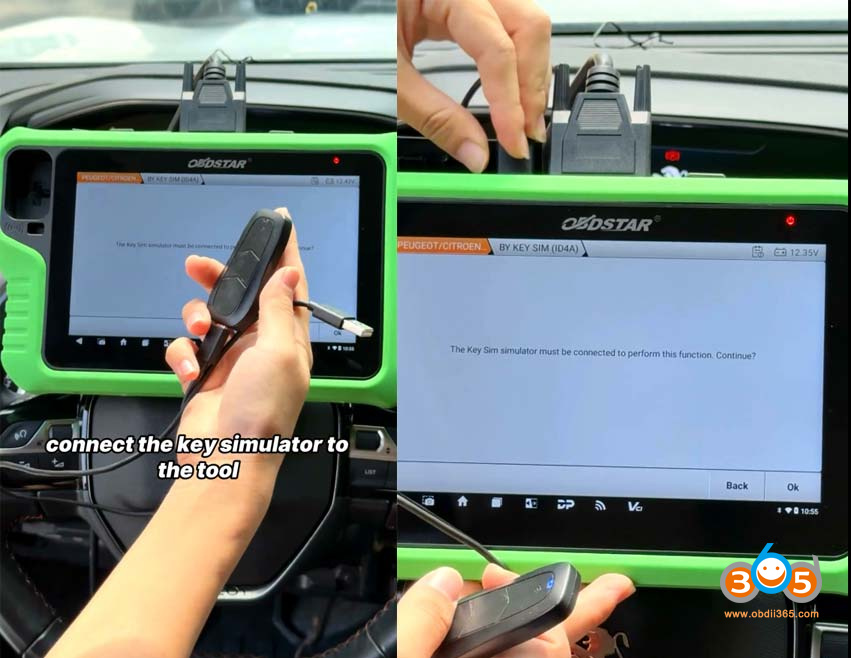
Connect Key SIM simulator to G3.
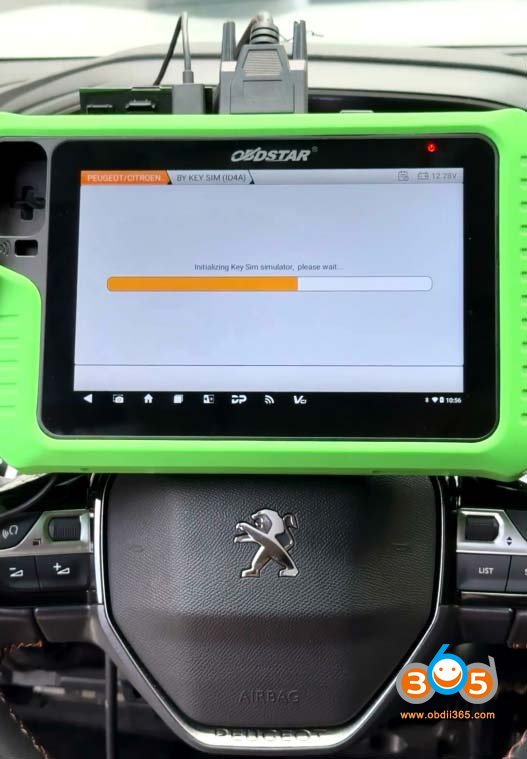
Initializing key SIM simulator.


Complete follow operation within 150s:
Place the simulated key correctly in the vehicle’s key sensing area (emergency start position).
Try turning the ignition on 5-10 times.
Press the Start button until the dash displays “No key detected”. Then release the button until the message disappears.


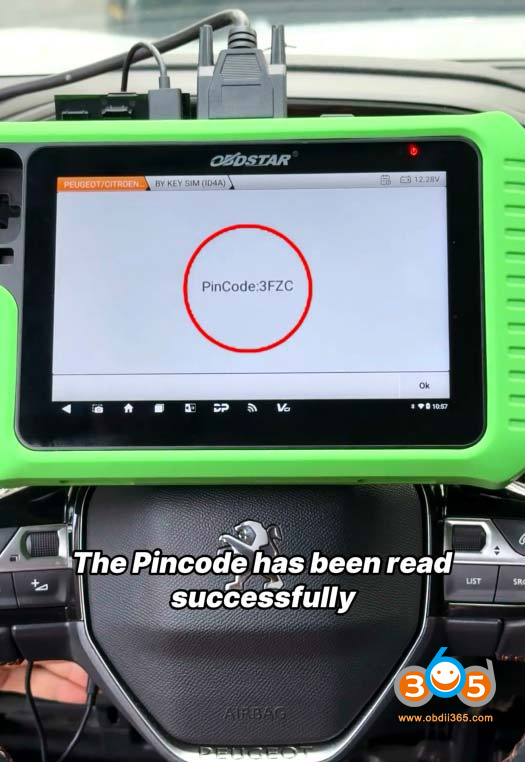
OBDSTAR G3 calculates 4-digit pin code successfully.

Now you can proceed with key programming operation.

No comments:
Post a Comment
Note: Only a member of this blog may post a comment.